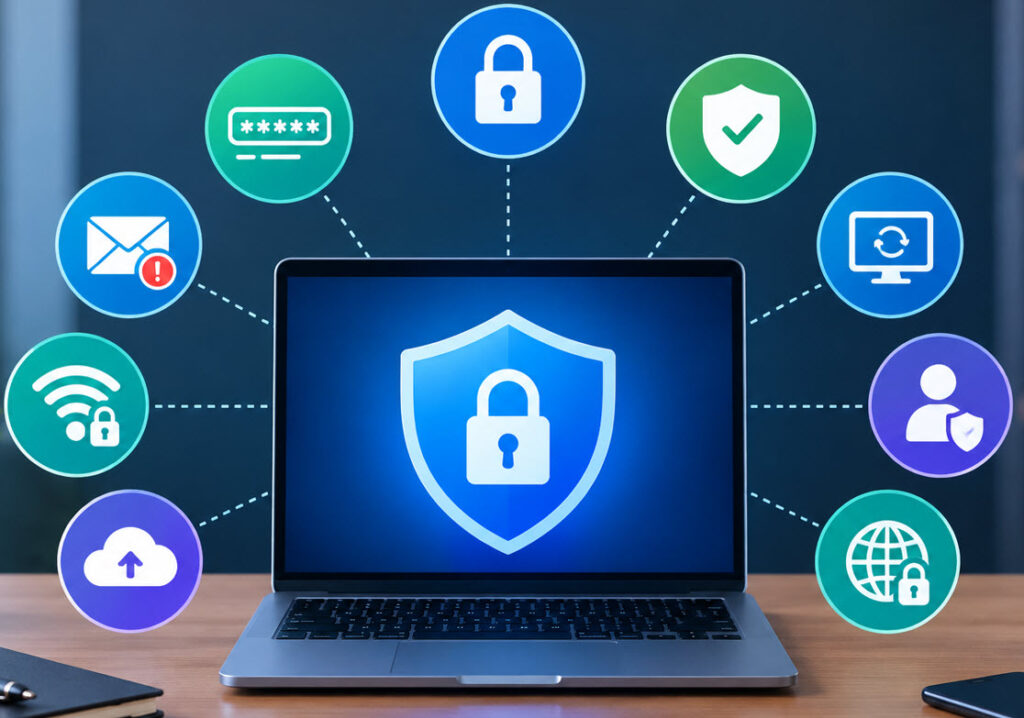
The internet has become an important part of everyday life. We use online services for banking, shopping, communication, work, education, and entertainment. However, increased online activity also creates opportunities for cybercriminals to steal information, compromise accounts, or spread malware.
Just as personal hygiene helps protect your physical health, cyber hygiene helps protect your devices, accounts, and personal information. By following a few simple security practices regularly, you can reduce many common online risks.
What Is Cyber Hygiene?
Cyber hygiene refers to the routine security practices used to keep your digital devices, accounts, and information safe. It includes activities such as using strong passwords, installing security updates, enabling multi-factor authentication, and being careful with suspicious emails and websites.
Good cyber hygiene is not a one-time task. It is a set of regular habits that should become part of your everyday online activities.
1. Use Strong and Unique Passwords
Passwords are one of the first lines of defense for online accounts. Avoid using simple passwords based on names, birthdays, phone numbers, or commonly used words.
Use a long and unique password for every important account. Reusing the same password across multiple websites can increase the damage if one service suffers a data breach.
2. Enable Multi-Factor Authentication
Multi-factor authentication (MFA) provides an additional layer of security beyond your password. When MFA is enabled, you may need to provide another verification factor, such as an authentication-app code, security key, or biometric verification.
Even if someone obtains your password, MFA can make it more difficult for them to access your account.
Enable MFA on important services such as email, banking, cloud storage, social media, and work-related accounts whenever the option is available.
3. Keep Software and Devices Updated
Security vulnerabilities are regularly discovered in operating systems, browsers, applications, and other software. Developers release updates and security patches to address these issues.
Keep your operating system, web browser, applications, and security software updated. Enable automatic updates when practical, especially for security-related updates.
Ignoring updates for long periods can leave known vulnerabilities available for attackers to exploit.
4. Be Careful With Emails and Messages
Phishing attacks often attempt to trick users into revealing passwords, financial information, or other sensitive data. Attackers may send messages that appear to come from banks, companies, delivery services, or colleagues.
Do not automatically trust an email because it looks professional. Check the sender address, links, attachments, and the overall context of the message.
Be especially cautious when a message creates urgency or asks you to immediately provide credentials, transfer money, or open an unexpected attachment.
5. Secure Your Home Wi-Fi
Your home network connects multiple devices to the internet, making router security an important part of cyber hygiene.
Change the router’s default administrator password and use a strong Wi-Fi password. Keep the router firmware updated and use modern wireless security standards supported by your device.
6. Protect Your Personal Information
Avoid sharing unnecessary personal information online. Information such as your phone number, address, date of birth, or answers to security questions can sometimes be used in social engineering or account takeover attempts.
Review privacy settings on social media platforms and other online services. Think carefully before posting information publicly, particularly information that could be used to identify or impersonate you.
7. Use Secure Websites and Connections
When entering sensitive information online, check that you are using the legitimate website and that the connection is protected by HTTPS.
Avoid logging into sensitive accounts through unknown or unsecured public computers. When using public Wi-Fi, be particularly careful with banking, administrative, or other sensitive activities.
Remember that HTTPS protects the connection to a website, but it does not automatically mean that the website itself is trustworthy. Always verify the domain name before entering sensitive information.
8. Back Up Important Data
A reliable backup can help you recover from hardware failure, accidental deletion, malware, or ransomware.
Keep backups of important documents, photographs, and other valuable files. Where possible, maintain more than one backup and keep at least one backup separate from your main device.
Regularly check that your backups can actually be restored.
Conclusion
Good cyber hygiene does not require advanced technical knowledge. Simple habits such as using unique passwords, enabling MFA, installing security updates, recognizing phishing attempts, protecting your Wi-Fi, and maintaining backups can significantly improve your online security.
Cyber threats continue to change, so staying secure requires ongoing attention. By making these practices part of your regular digital routine, you can reduce unnecessary risks and create safer online habits for yourself and your family.