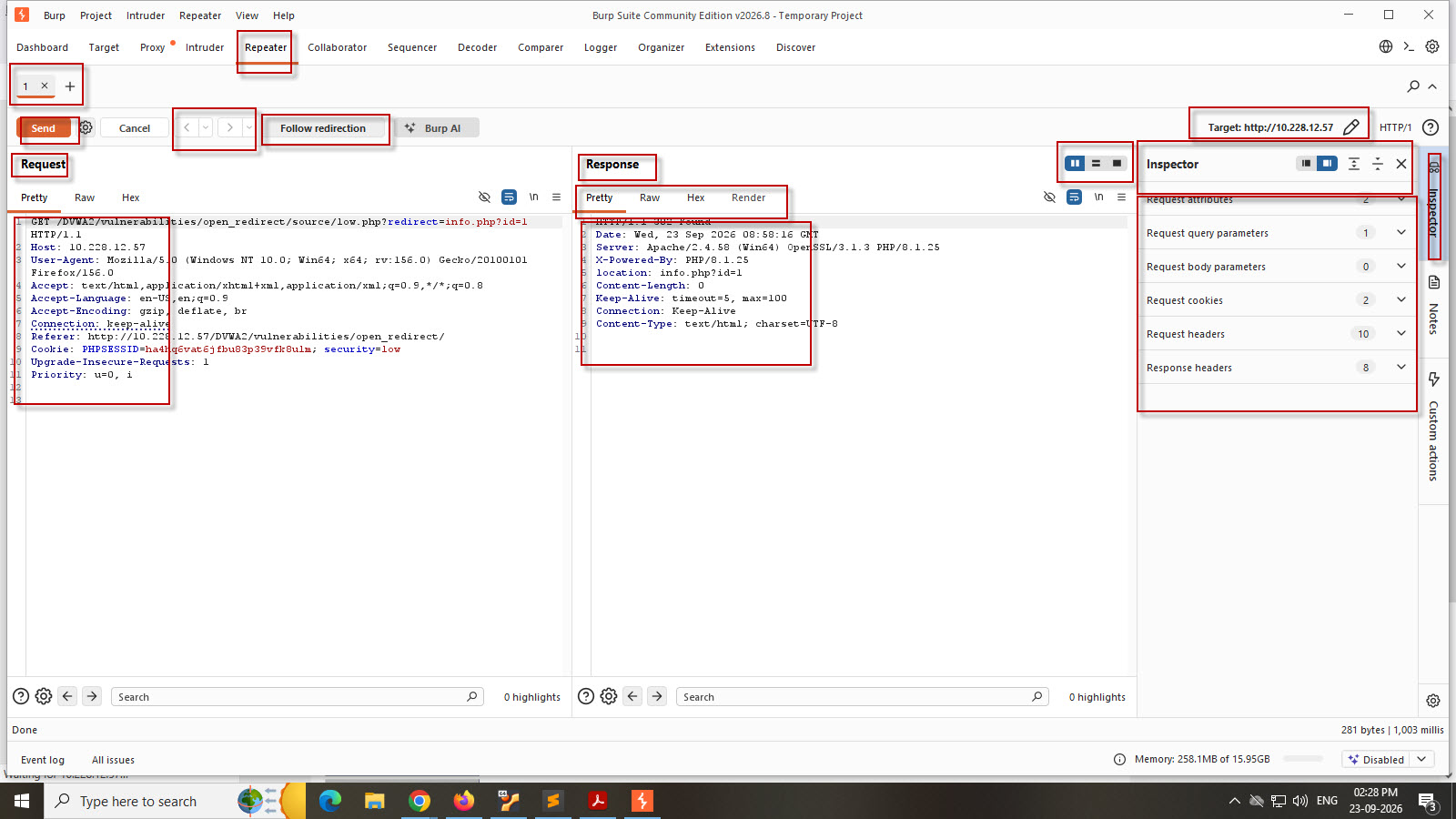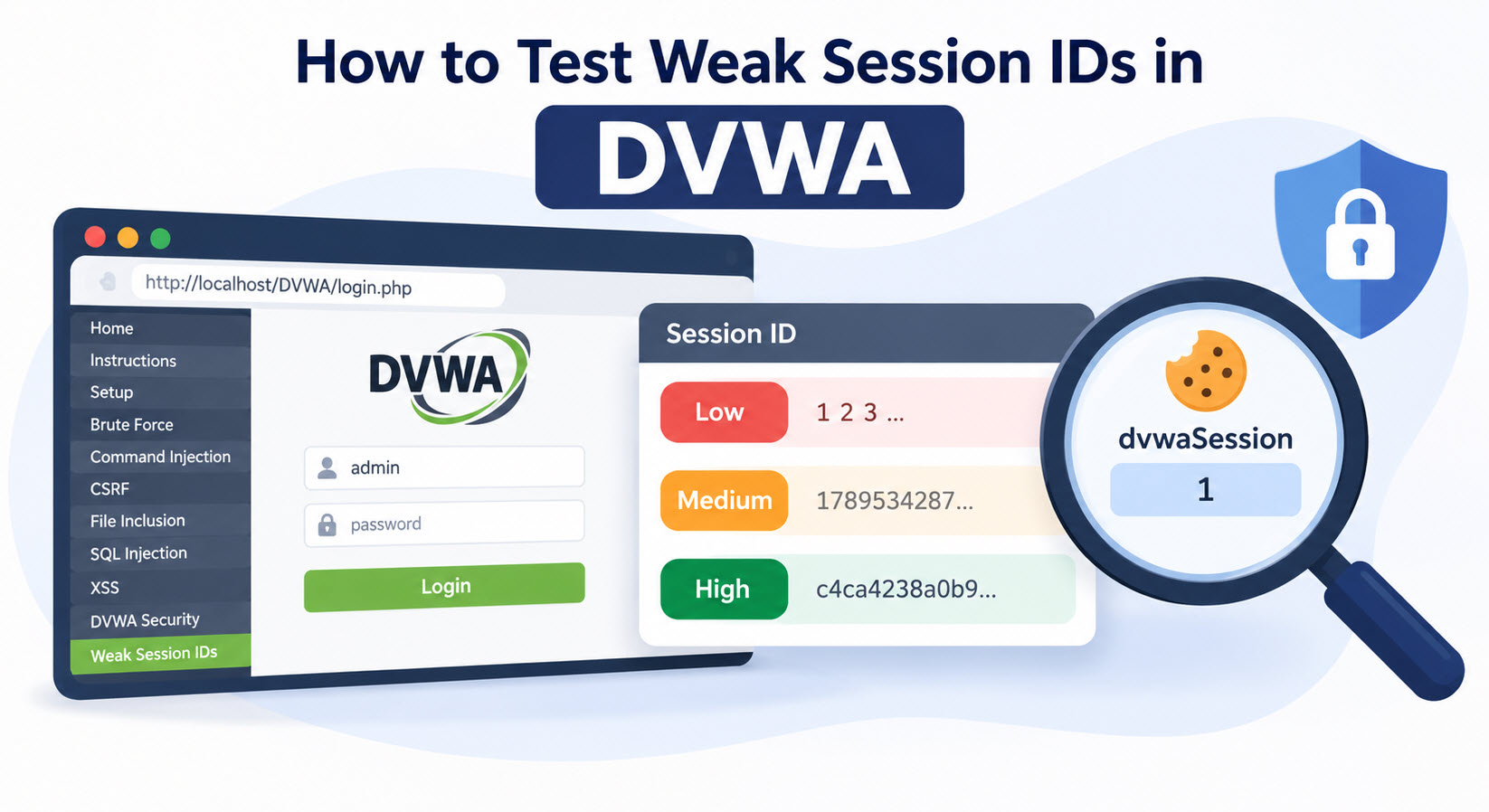
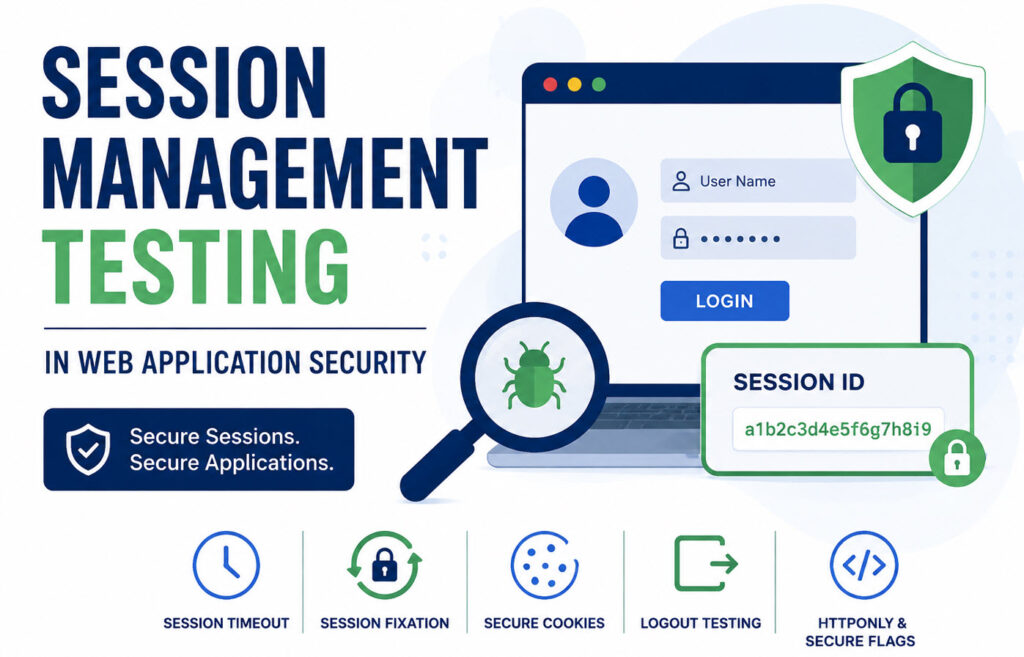
Session Management Testing is an important part of Web Application Vulnerability Assessment and Penetration Testing (VAPT). After a user successfully logs in to a web application, the application uses a Session ID or Session Token to identify and maintain the authenticated user’s session.
Since HTTP is a stateless protocol, web applications rely on session cookies or tokens to maintain user authentication. If session management is not properly implemented, attackers may be able to predict, steal, reuse, or manipulate session tokens and potentially gain unauthorized access.
In this tutorial, you will learn the major points to check during Session Management Testing of a web application and simple ways to perform each test.
Below are the major checks that should be performed during Session Management Testing.
1. Predictable Session IDs
One of the most important checks is determining whether the generated Session IDs are predictable.
For example, suppose the application generates: 10001234
After logout and login again, it generates: 10001235
This indicates that the Session ID is increasing sequentially. An attacker may attempt to guess other valid Session IDs by incrementing the value.
How to Test
- Log in to the application and capture the Session ID.
- Log out and log in again.
- Repeat the process multiple times.
- Compare the generated Session IDs.
Also check whether the Session ID:
- Is too short
- Contains predictable numbers or patterns
- Contains usernames or user IDs
- Uses timestamps
- Is simply encoded instead of securely generated
For example, Base64 encoding is not encryption. A value that can be easily decoded using Burp Suite Decoder should be analyzed carefully to determine whether sensitive information is exposed.
2. Session Fixation
Session Fixation occurs when the application continues using the same Session ID before and after authentication.
Ideally, the Session ID should change after a successful login.
How to Test
- Open the application before login.
- Capture the current Session ID.
- Log in with valid credentials.
- Capture the Session ID again.
- Compare both values.
If the Session ID remains the same after authentication, the application may be vulnerable to Session Fixation.
The application should generate a new Session ID after login to prevent an attacker from forcing a known session token.
3. Session Timeout
An authenticated session should automatically expire after a reasonable period of inactivity.
If the application remains logged in indefinitely, an unattended browser session may create a security risk.
How to Test
- Log in to the application.
- Do not perform any activity.
- Wait for approximately 15–20 minutes.
- Try to access another page or perform an action.
Check whether:
- The user is automatically logged out.
- The Session ID becomes invalid.
- The application redirects the user to the login page.
The exact timeout period depends on the application’s security requirements and risk level.
4. Logout Functionality Testing
The Logout function should completely terminate the authenticated session.
A Logout option should also be easily accessible to the user.
What to Check
After clicking Logout:
- The Session ID should be invalidated.
- Internal pages should no longer be accessible.
- The user should be redirected to the login page.
- Previously authenticated requests should not work.
Browser Back Button Test
After logout, press the browser Back button.
Previously accessed authenticated pages should not provide active access to the user. The application should require authentication again.
You should also copy an internal page URL, log out, and then directly access that URL. The application should redirect the user to the login page.
5. Secure Cookie Flag Check
The Secure cookie flag ensures that a cookie is transmitted only over HTTPS connections.
For applications running over HTTPS, sensitive session cookies should use the Secure flag.
How to Check
Use:
- Firefox Developer Tools
- Chrome Developer Tools
- Burp Suite
Check whether the Session ID cookie has the Secure attribute enabled.

If an HTTPS application uses a session cookie without the Secure flag, it should be reviewed and reported based on the application’s security requirements.
6. HTTPOnly Flag Check
The HTTPOnly cookie flag prevents JavaScript from directly accessing the cookie.
When enabled, JavaScript cannot directly read the session cookie using ‘document.cookie‘.
This provides additional protection against cookie theft in certain Cross-Site Scripting (XSS) scenarios.
How to Test
Check the Session ID cookie in browser Developer Tools or Burp Suite.
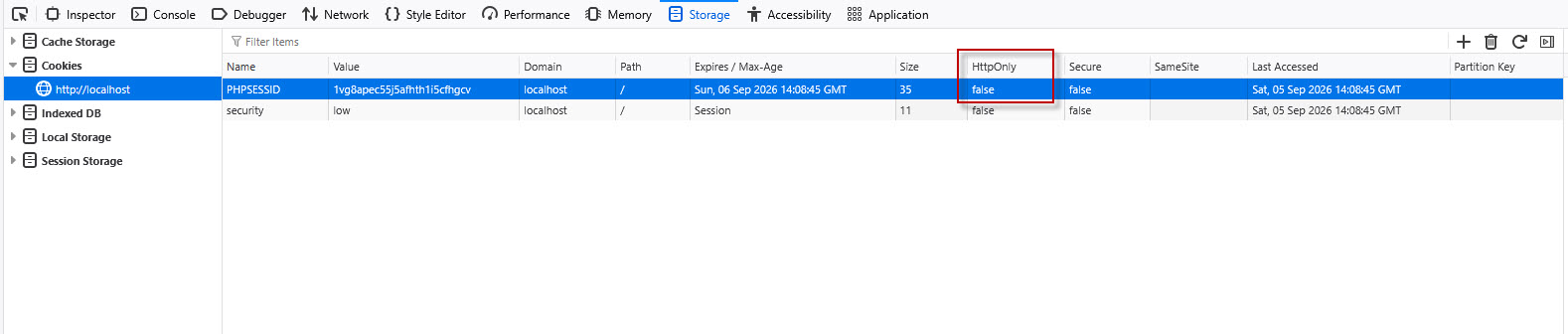
For sensitive authentication cookies, the HTTPOnly flag should generally be enabled.
7. Session ID Name Fingerprinting
Session cookie names can reveal information about the underlying application technology.
Examples include:
- ‘PHPSESSID’ – PHP
- ‘ASP.NET_SessionId’ – ASP.NET
- ‘JSESSIONID’ – Java-based applications
This information may help attackers identify the technology used by the application.

Using a customized or generic session cookie name can reduce unnecessary technology disclosure.
However, Session ID Name Fingerprinting is generally an information disclosure issue and not a critical vulnerability by itself.
Other Important Checks
During Session Management Testing, you should also verify the following:
- HSTS Header : The website should use the HTTP Strict Transport Security header to enforce HTTPS connections.
- Session Token Reusability : Old Session IDs should not remain valid after logout, expiration, or other important security events.
- Complete Session Invalidation : After logout, capture an old authenticated request and try to replay it using Burp Suite. If the application still accepts the old Session ID, the server-side session may not have been properly invalidated.
Session Management Testing Checklist
During Web Application VAPT, check:
- Predictable Session IDs
- Session ID length and randomness
- Session Fixation
- Session Timeout
- Logout functionality
- Browser Back button access
- Direct access to internal URLs after logout
- Secure cookie flag
- HTTPOnly flag
- Session ID Name Fingerprinting
- HSTS header
- Session token reusability
- Complete server-side session invalidation
Session Management Testing is a critical part of Web Application Security Testing because the Session ID represents an authenticated user’s identity.
Weak session management can result in Session Hijacking, Session Fixation, unauthorized access, and reuse of old authentication tokens.
During a Web Application Vulnerability Assessment, testers should carefully examine how Session IDs are generated, protected, expired, and invalidated. By performing the checks explained above, security professionals can identify common session management weaknesses and help improve the overall security of a web application.