
Finding hidden directories and files is an important step in web application reconnaissance and penetration testing. These resources may include admin panels, backup files, configuration files, and other web paths that are not visible during normal browsing.
Kali Linux provides several tools to discover these resources through wordlist-based directory and file enumeration. Below are the best Kali Linux tools for finding hidden directories and files.
- Dirb
- Gobuster
- Feroxbuster
- Dirsearch
- DirBuster
1. Dirb
DIRB is an open-source web content scanner that uses wordlists to discover hidden directories and files on web servers. It sends HTTP requests for potential paths and analyzes the server responses to identify accessible resources.
Basic Syntax:
dirb <Target URL> [wordlist] [options]Example:
dirb http://192.168.1.1/DVWA/DIRB is a good choice for beginners who want to perform basic web directory enumeration.
Read more: DIRB in Kali Linux: A Web Directory Scanning Tool
2. Gobuster
Gobuster is a fast command-line tool used for directory and file enumeration. It also supports DNS subdomain discovery, virtual host enumeration, and other discovery tasks.
Basic Syntax:
gobuster dir -u <Target URL> -w <wordlist>Example:
gobuster dir -u http://192.168.1.1/ -w /usr/share/wordlists/dirb/common.txtGobuster is useful for quickly identifying potentially accessible directories and files during web application security testing.
Read more: Gobuster Tool in Kali Linux: A Comprehensive Guide
3. Feroxbuster
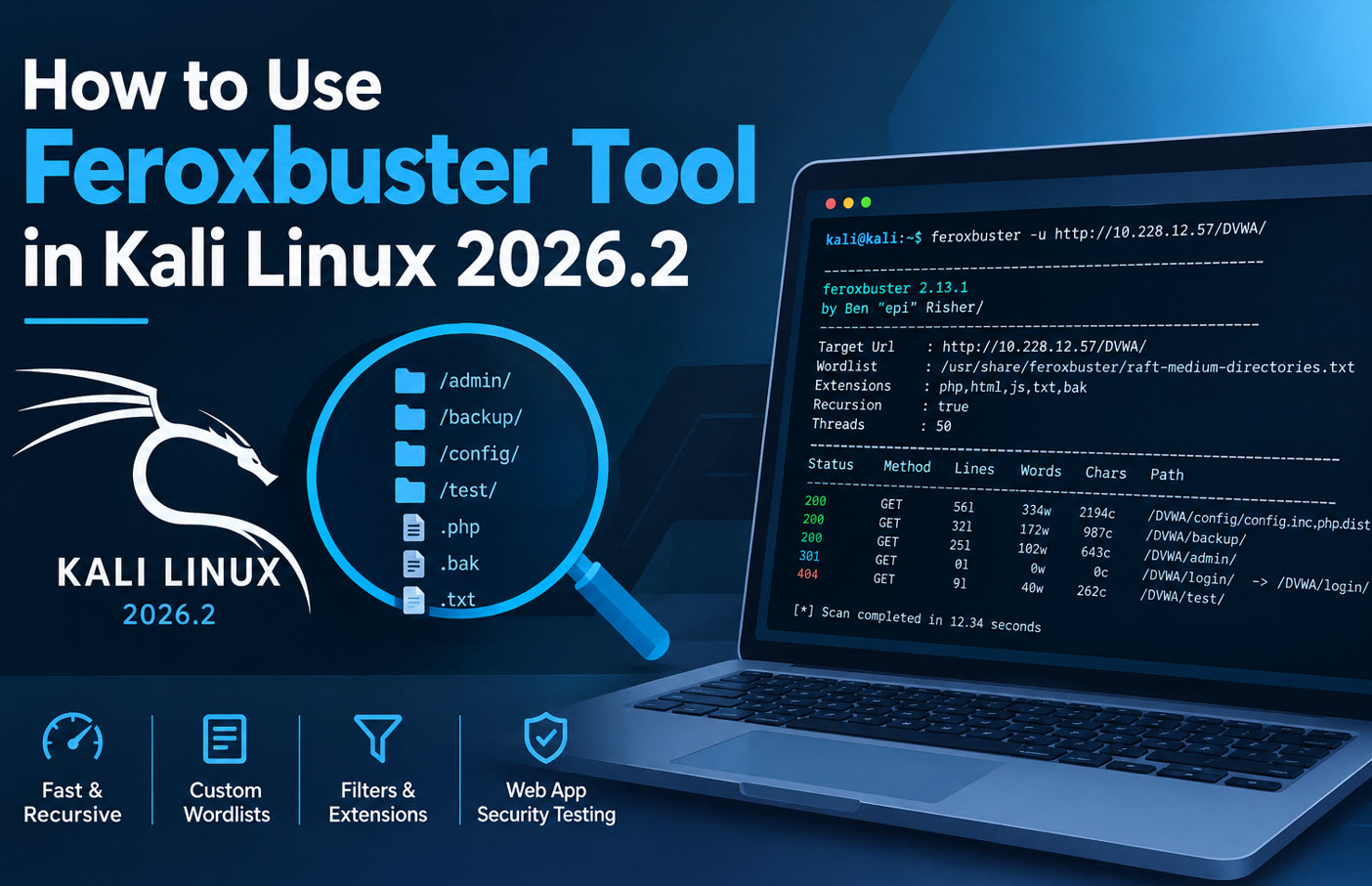
Feroxbuster is a fast web content discovery tool that uses wordlists to find directories and files. One of its main advantages is recursive scanning, which allows it to search inside discovered directories for additional resources.
Basic Syntax:
feroxbuster -u <Target URL>Example:
feroxbuster -u http://192.168.1.1/DVWA/Feroxbuster is particularly useful when you need to discover nested directories and explore multiple levels of a web application.
Read more: How to Use Feroxbuster in Kali Linux 2026.2
4. Dirsearch
Dirsearch is a web path scanning tool used to discover hidden directories and files on web servers. It supports custom wordlists, file extensions, and other scanning options, making it useful for web application vulnerability assessments.
Basic Syntax:
dirsearch -u <Target URL>Example:
dirsearch -u http://192.168.1.1/DVWA/To search for specific file extensions, you can use:
dirsearch -u http://192.168.1.1/DVWA/ -e php,html,txtDirsearch is a practical choice for identifying potentially exposed files and directories during VAPT.
Read more: Dirsearch Tool in Kali Linux: Find Hidden Directories and Files
5. DirBuster
DirBuster is a web application directory and file brute-forcing tool that uses wordlists to discover paths on web servers. Unlike the other tools in this list, DirBuster is traditionally known for its graphical user interface (GUI).
How to Use DirBuster:
- Launch DirBuster in Kali Linux.
- Enter the target web application URL, such as http://192.168.1.1/.
- Select a suitable wordlist using the Browse option.
- Configure the scan settings as required.
- Click Start to begin directory and file enumeration.
- Review the results to identify potentially accessible resources.
DirBuster is useful for users who prefer a graphical interface for configuring and running directory scans.
Read more: DirBuster: The Ultimate Tool for Brute Forcing Web Directories
Conclusion
Dirb, Gobuster, Feroxbuster, Dirsearch, and DirBuster are useful Kali Linux tools for finding hidden directories and files during web application reconnaissance.
Gobuster is a good option for fast command-line enumeration, Feroxbuster is useful for recursive discovery, and DirBuster offers a graphical interface. The results depend on the wordlist, server configuration, and scan settings, so validate discovered resources before reporting them as security issues.