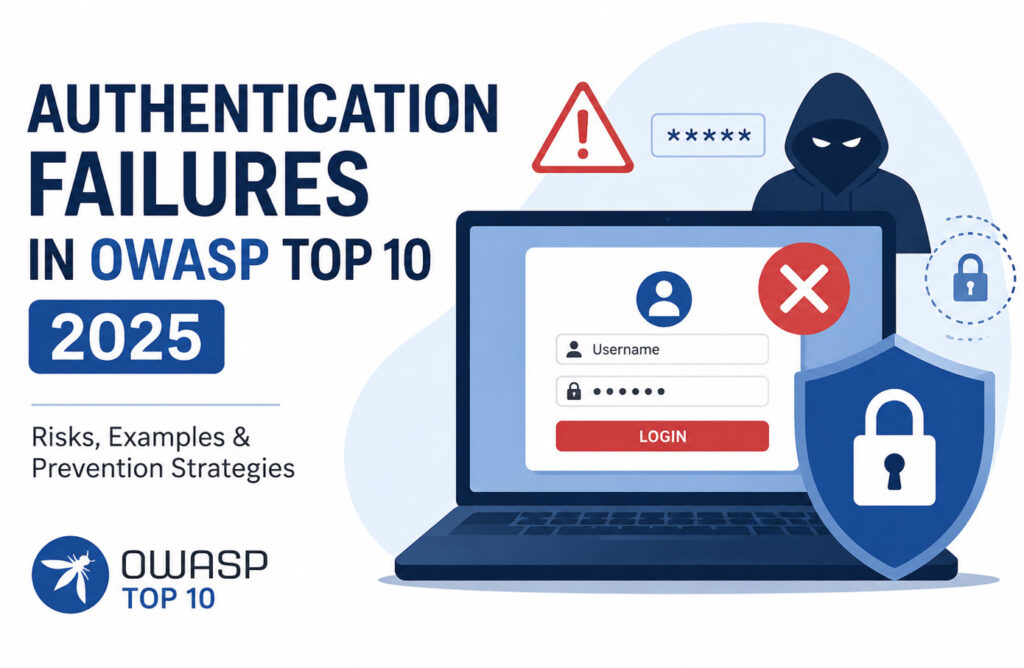
Authentication is one of the most critical security mechanisms in any web application. It ensures that only legitimate users can access protected resources and perform authorized actions. Authentication Failures occur when weaknesses in the authentication or session management process allow attackers to impersonate valid users, gain unauthorized access, or compromise user accounts.
In the OWASP Top 10 (2025), Authentication Failures (A07) remain a significant security concern because compromised authentication mechanisms often lead directly to account takeover, data breaches, and unauthorized access to sensitive systems.
What Are Authentication Failures?
Authentication Failures arise when an application incorrectly verifies the identity of users or fails to properly manage authentication sessions. These weaknesses allow attackers to bypass login controls, steal credentials, hijack sessions, or gain access to accounts they do not own.
In simple terms, if an unauthorized or unregistered user can trick the application into treating them as a legitimate user, the application may be vulnerable to an Authentication Failure.
Common Causes of Authentication Failures
An application may be vulnerable to Authentication Failures if it contains one or more of the following weaknesses:
1. Credential Stuffing Attacks
Credential stuffing occurs when attackers use lists of usernames and passwords obtained from previous data breaches and automatically test them against application login pages.
If the application lacks protection mechanisms such as account lockout, rate limiting, CAPTCHA, or MFA, attackers may successfully gain access to user accounts.
2. Brute Force Attacks
Applications that allow unlimited login attempts are vulnerable to brute force attacks. Attackers can repeatedly try different password combinations until the correct credentials are discovered.
3. Weak or Default Passwords
Allowing simple passwords such as: password123, admin123, welcome, 12345678
or default vendor-supplied passwords significantly increases the risk of account compromise.
4. Weak Password Recovery Mechanisms
Password reset processes should be secure and difficult to abuse.
Applications are vulnerable when password recovery relies on easily guessable security questions .
Attackers may discover this information through social media or public sources.
5. Insecure Password Storage
Passwords should never be stored in plaintext or protected using weak encryption methods.
If attackers gain database access and passwords are stored insecurely, they can quickly recover user credentials and perform further attacks.
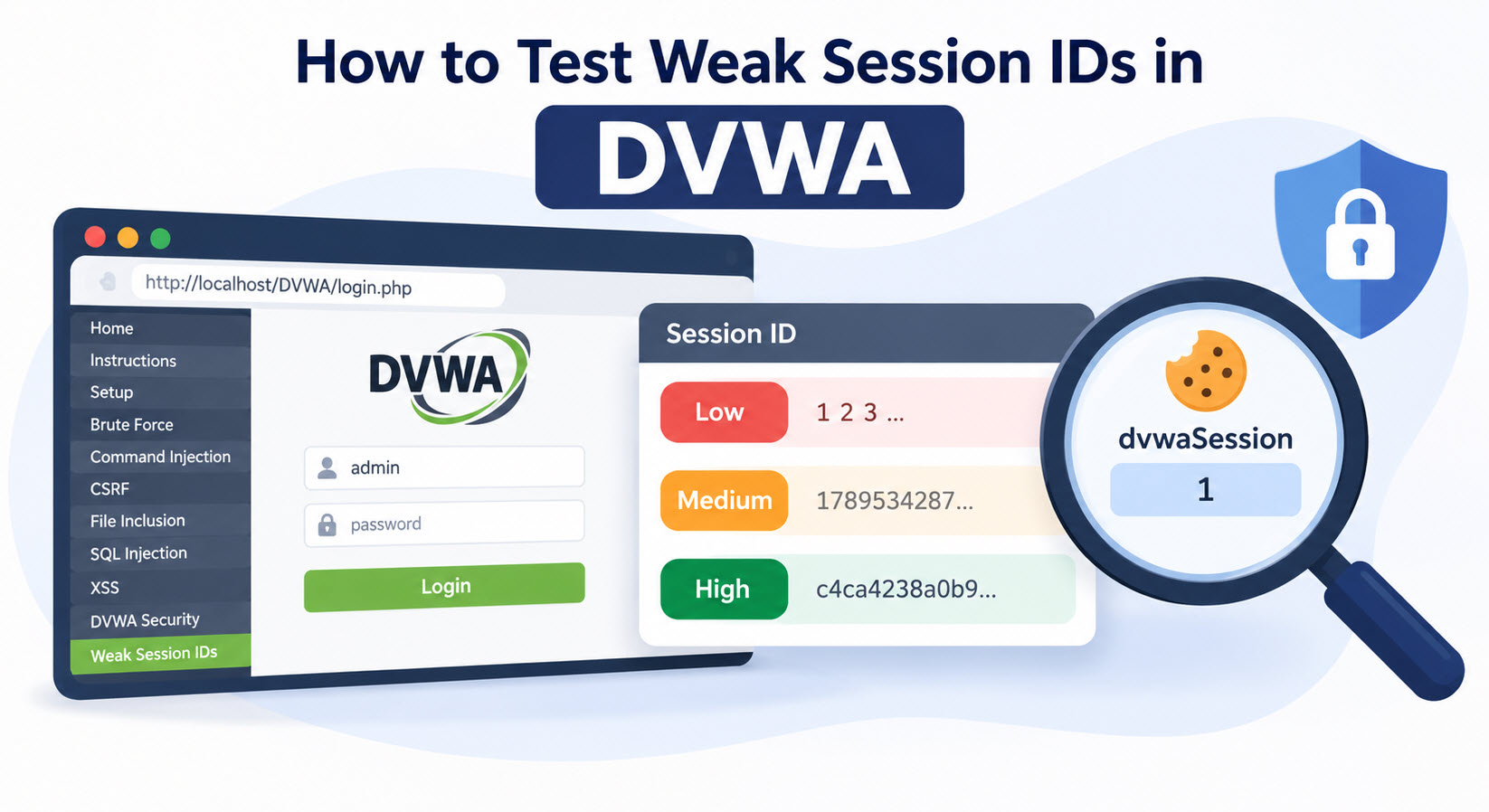
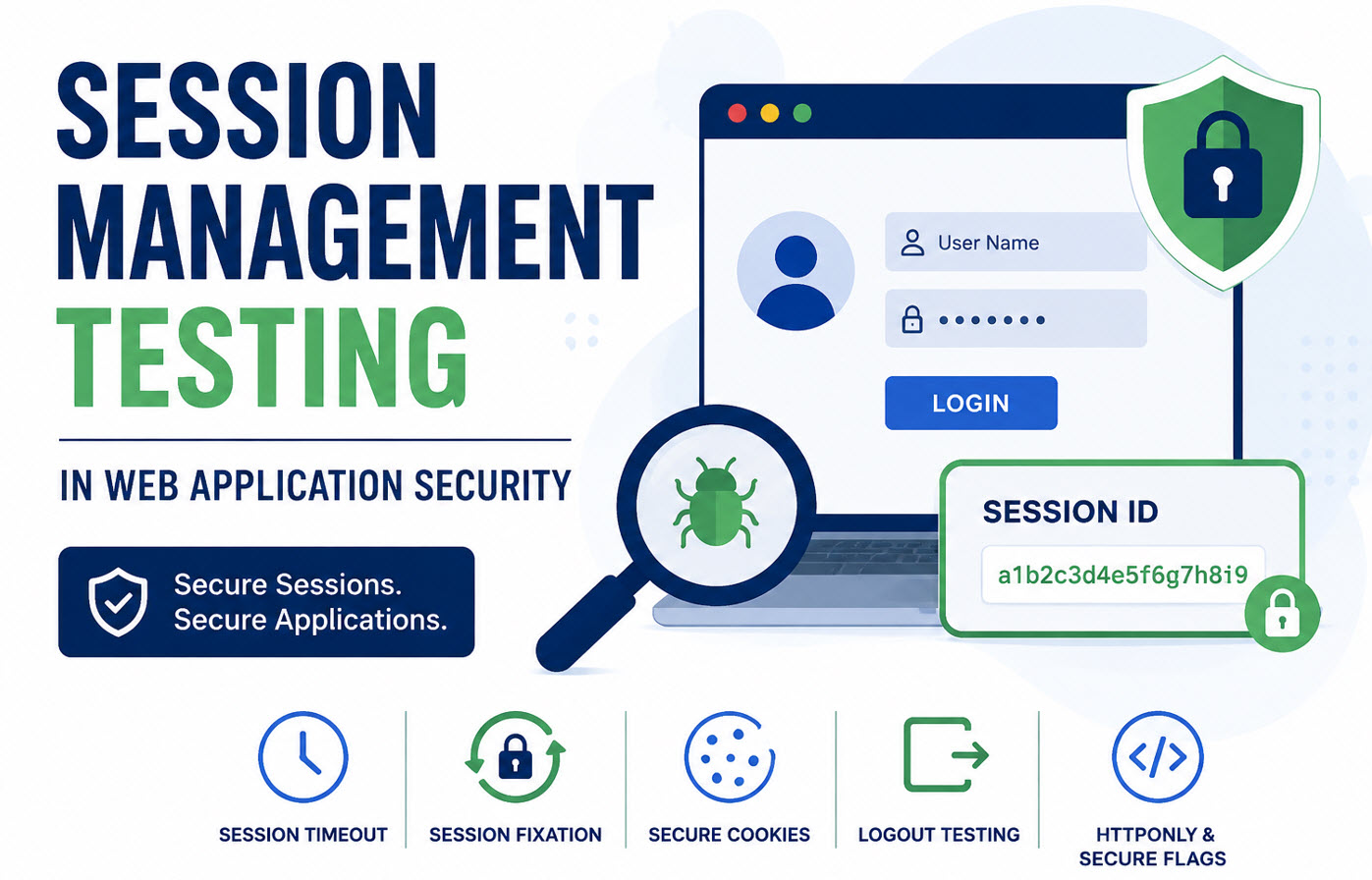
6. Weak Session Management
Authentication does not end after login. Session management is equally important.
Security issues may arise when:
- Session identifiers are predictable.
- Session cookies can be reused.
- Sessions remain active after logout.
- Session tokens are not regenerated after authentication.
These weaknesses can lead to session hijacking and unauthorized access.
7. Missing or Weak Multi-Factor Authentication (MFA)
Applications relying solely on usernames and passwords provide attackers with a single barrier to compromise.
Implementing MFA significantly reduces the risk of account takeover, even when passwords are stolen.
Example of an Authentication Failure
Consider a login page that does not implement account lockout, rate limiting, CAPTCHA, or MFA.
An attacker uses an automated tool to test thousands of username and password combinations against the login form. Because the application places no restrictions on repeated login attempts, the attacker eventually discovers valid credentials and gains unauthorized access to a user account.
This scenario represents a classic Authentication Failure and demonstrates how weak authentication controls can result in account compromise.
Commonly Mapped CWEs
Authentication Failures are frequently associated with the following Common Weakness Enumerations (CWEs):
| CWE ID | Description |
|---|---|
| CWE-258 | Empty Password in Configuration File |
| CWE-259 | Use of Hard-coded Password |
| CWE-287 | Improper Authentication |
| CWE-288 | Authentication Bypass Using an Alternate Path or Channel |
| CWE-295 | Improper Certificate Validation |
| CWE-384 | Session Fixation |
| CWE-613 | Insufficient Session Expiration |
| CWE-640 | Weak Password Recovery Mechanism for Forgotten Password |
| CWE-798 | Use of Hard-coded Credentials |
| CWE-1390 | Weak Authentication |
| CWE-1391 | Use of Weak Credentials |
| CWE-1392 | Use of Default Credentials |
| CWE-1393 | Use of Default Password |
Prevention of Authentication Failures
Organizations should implement the following security controls to reduce authentication-related risks:
Implement Multi-Factor Authentication (MFA)
Require a second authentication factor such as:
- One-Time Passwords (OTP)
- Authenticator applications
- Hardware security keys
MFA significantly reduces the effectiveness of credential stuffing and password-based attacks.
Protect Against Brute Force Attacks
Use:
- Account lockout policies
- Login rate limiting
- CAPTCHA
These mechanisms help prevent automated login attempts.
Enforce Strong Password Policies
Require passwords that:
- Are at least 8–12 characters long
- Contain uppercase and lowercase letters
- Include numbers and special characters
- Are not found in breached-password databases
Weak and default passwords should never be allowed.
Secure Password Reset Functionality
Password recovery mechanisms should:
- Use secure email verification
- Require MFA when possible
- Generate time-limited reset tokens
- Avoid knowledge-based security questions
Secure Password Storage
Passwords should be stored using strong one-way hashing algorithms.
Plaintext password storage should never be used.
Implement Secure Session Management
Applications should:
- Generate random session identifiers
- Use Secure and HttpOnly cookie attributes
- Regenerate session IDs after authentication
- Invalidate sessions immediately after logout
- Configure appropriate session timeouts
These controls help prevent session fixation and session hijacking attacks.
Use Generic Login Error Messages
Avoid revealing whether a username or password is incorrect.
Instead of displaying:
- “User does not exist”
- “Password is incorrect”
Display a generic message such as:
“Invalid username or password.”
This reduces user enumeration risks.
Authentication Failures remain one of the most dangerous security weaknesses identified in the OWASP Top 10 (2025). Weak passwords, credential stuffing vulnerabilities, insecure session management, poor password recovery processes, and the absence of MFA can all expose applications to account compromise and unauthorized access.
Organizations should adopt strong authentication mechanisms, secure session management practices, robust password policies, and multi-factor authentication to protect user accounts and reduce the risk of authentication-based attacks.
For more information, visit the official OWASP Top 10 project at https://owasp.org/www-project-top-ten/.