

Secure coding practices are a set of development techniques and security measures followed by software developers to minimize vulnerabilities during the software development lifecycle (SDLC). Security should be incorporated from the initial design and development phases rather than being added after deployment. Following secure coding standards, such as those recommended by the Open Web Application Security Project (OWASP), helps organizations build robust and secure web applications.
1. Input Validation Checks
Input validation is one of the most important defenses against common attacks such as SQL injection, Cross-Site Scripting (XSS), and command injection.
Key input validation practices include:
- Validate all user-supplied data before processing.
- Treat all input sources as untrusted, including URLs, HTTP headers, cookies, form fields, and API requests.
- Verify data types, length, format, and acceptable value ranges.
- Use a whitelist approach by allowing only approved characters and rejecting everything else.
- Implement output encoding to ensure safe rendering of user-generated content.
- Perform validation on both the client side and server side, with server-side validation being mandatory.
Proper input validation significantly reduces the attack surface and prevents malicious data from reaching backend systems.
2. Authentication and Password Security
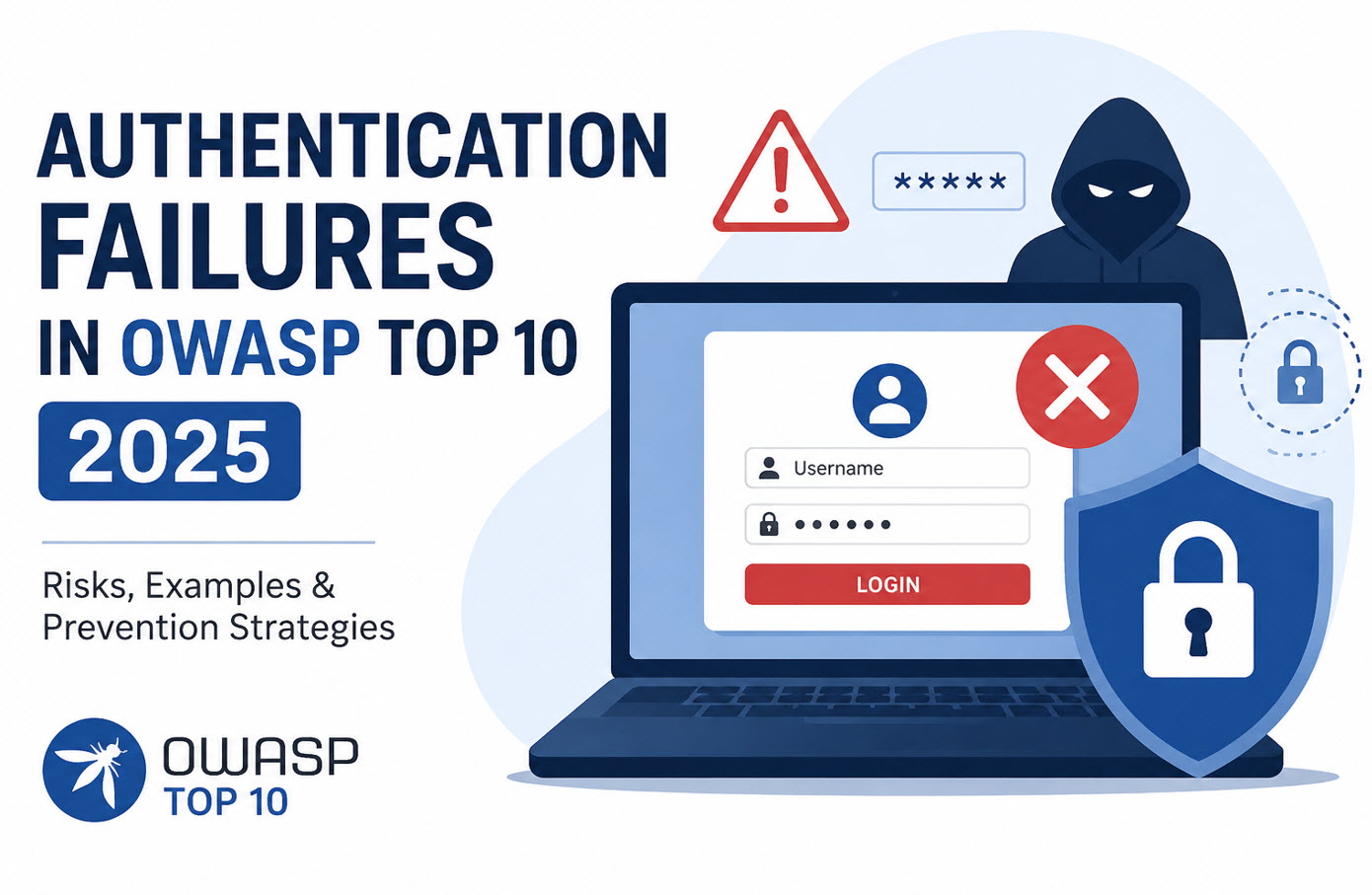
Authentication mechanisms are responsible for verifying user identities and protecting access to sensitive resources.
Best practices for authentication include:
- Enforce authentication on all restricted pages and functionalities.
- Store passwords using strong hashing algorithms combined with unique salts.
- Display generic login error messages such as “Invalid username/password” to avoid revealing sensitive information.
- Encrypt sensitive data during transmission using secure protocols.
- Use HTTP POST requests when transmitting credentials.
- Enforce password complexity requirements with a minimum length of at least eight characters.
- Implement account lockout mechanisms after multiple failed login attempts to prevent brute-force attacks.
- Enable Multi-Factor Authentication (MFA) for sensitive applications.
- Remove or change default application credentials before deployment.
Strong authentication controls help prevent unauthorized access and credential-based attacks.
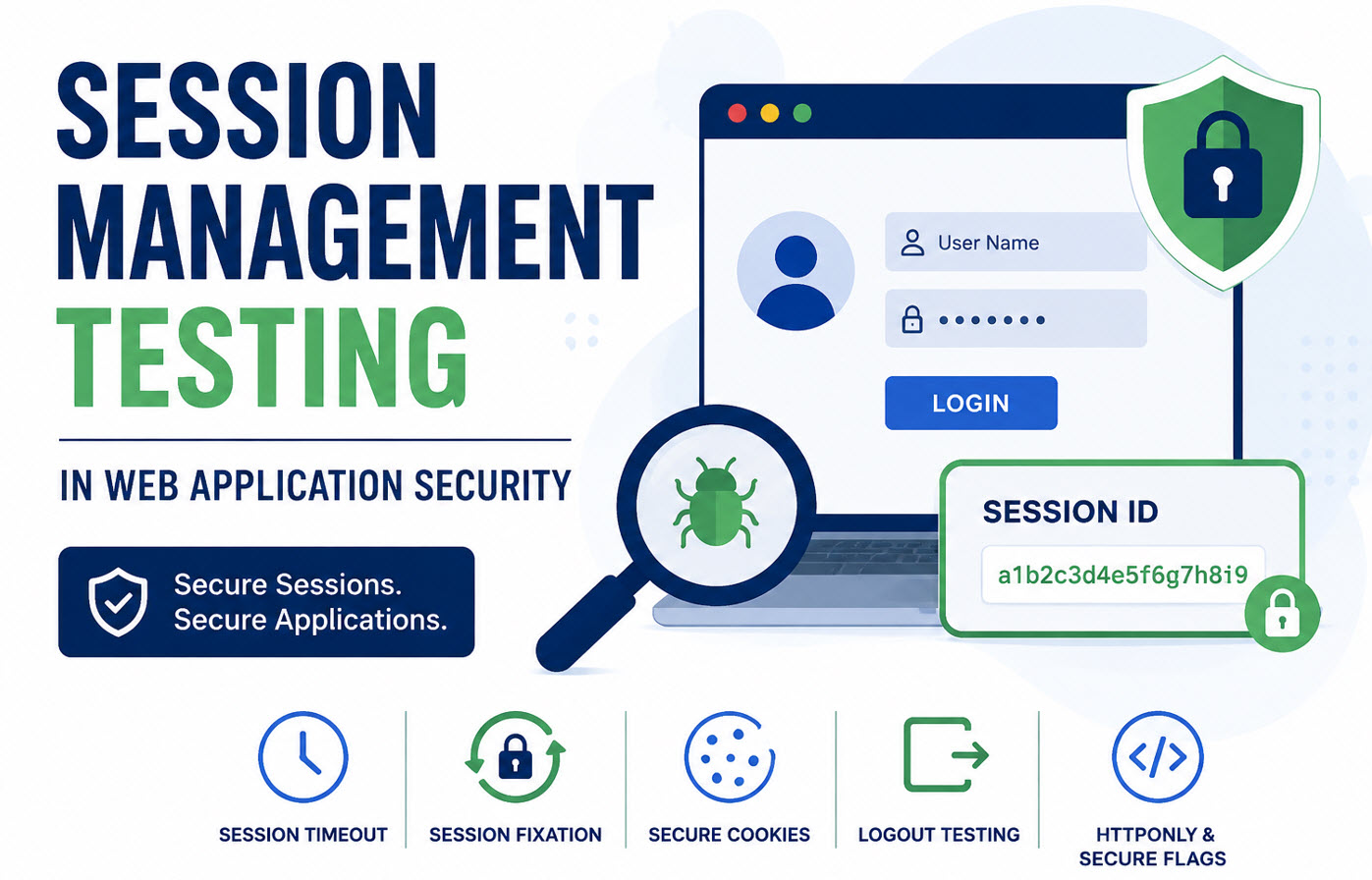
3. Secure Session Management
Session management ensures that authenticated users maintain secure access to applications without exposing session data.
Important session security measures include:
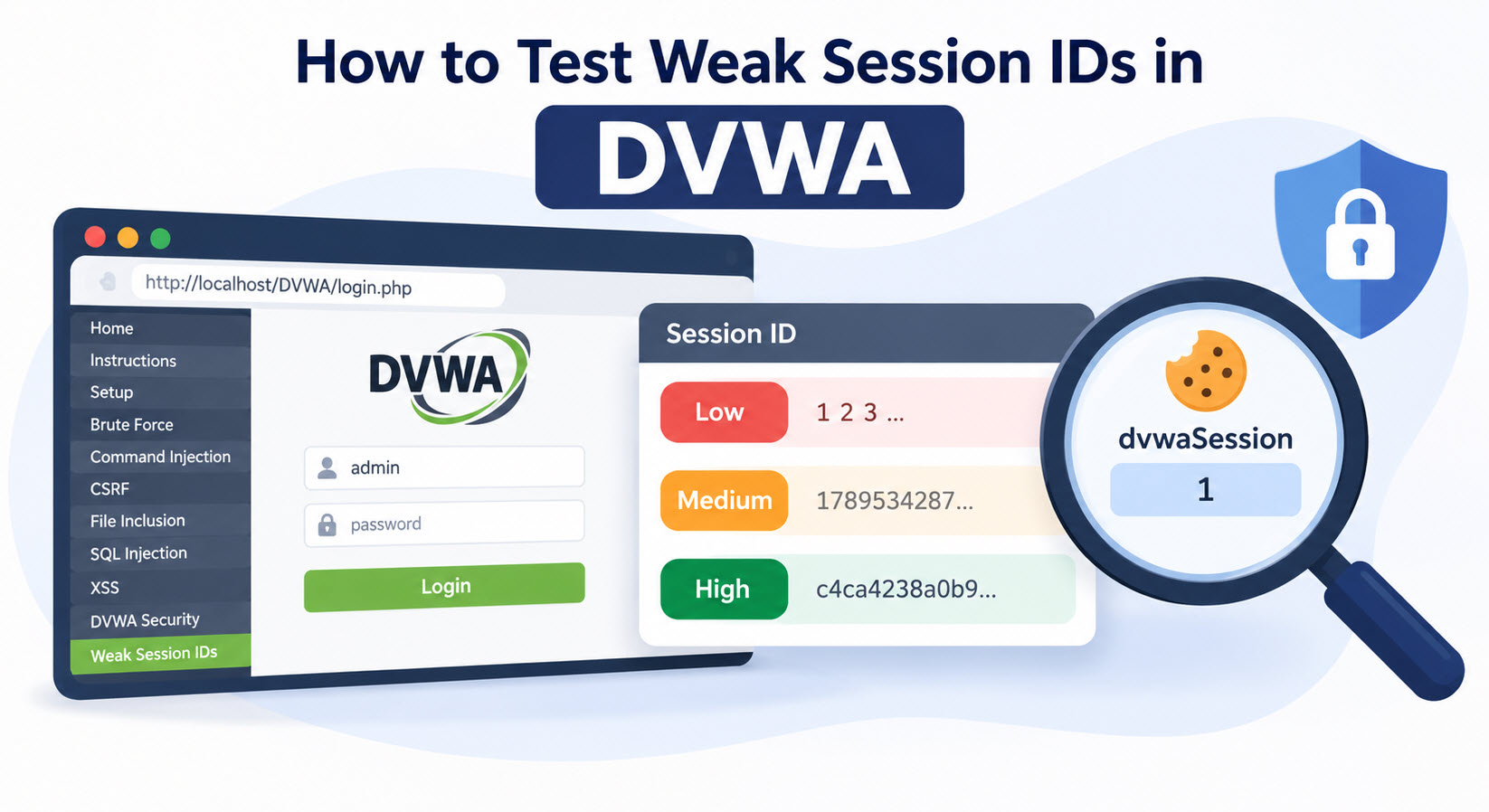
- Generate strong, random session identifiers on the server side.
- Configure cookie domains and paths appropriately.
- Provide a logout option on every authenticated page.
- Invalidate sessions on both the client and server after logout.
- Avoid exposing session identifiers in URLs, where they may be logged or leaked.
- Automatically terminate sessions after periods of inactivity.
- Generate a new session ID after successful authentication.
- Prevent session ID reuse after logout.
- Use secure anti-CSRF tokens where appropriate.
- Enable the Secure cookie attribute when using HTTPS.
- Set the HttpOnly cookie flag to prevent JavaScript access to session cookies.
Effective session management protects applications from session hijacking and fixation attacks.
4. Access Control and Authorization
Authentication verifies who a user is, while authorization determines what the user can access.
Organizations should:
- Implement authorization checks on the server side.
- Restrict access based on user roles and permissions.
- Ensure users can access only the files, functions, and resources assigned to their role.
- Deny access securely when authorization fails.
- Protect sensitive URLs, APIs, administrative pages, and business functions.
Proper access control helps prevent privilege escalation and unauthorized data exposure.
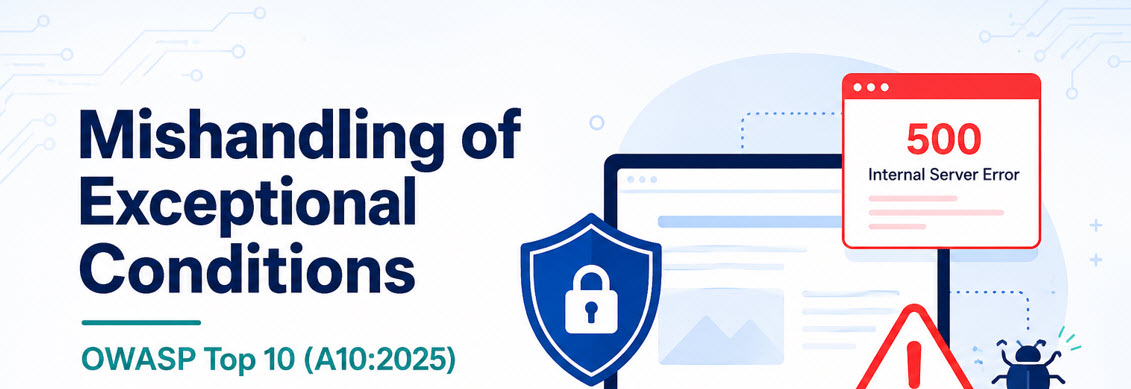
5. Error Handling and Logging
Poor error handling can unintentionally expose sensitive system information to attackers.
Recommended practices include:
- Never display stack traces, database errors, or sensitive details to end users.
- Show generic error messages for application failures.
- Create custom error pages for common exceptions.
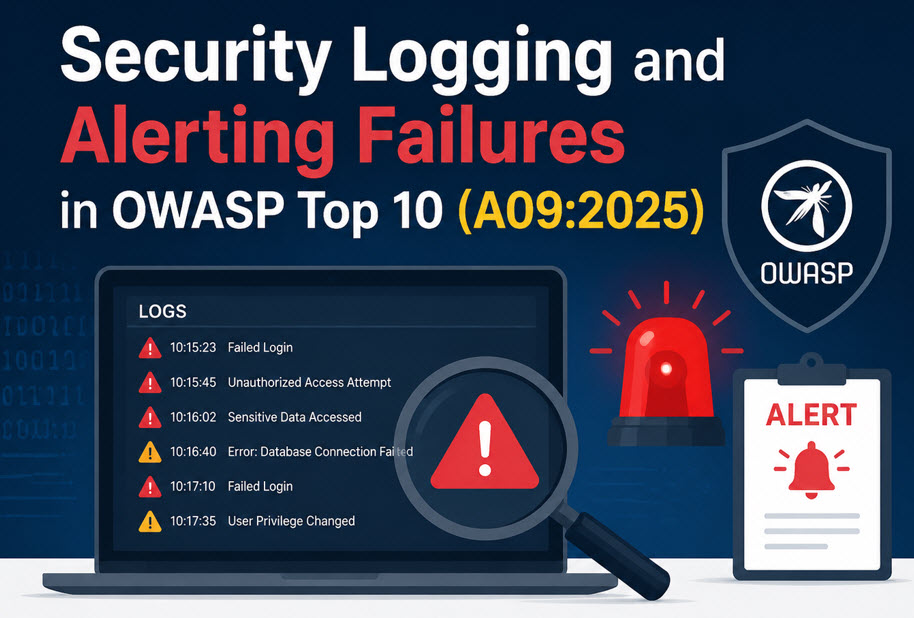
- Log authentication successes and failures.
- Record important security events and application activities.
- Restrict access to log files to authorized personnel only.
Comprehensive logging also supports incident response and forensic investigations.
6. Data Protection and Privacy
Protecting sensitive information is a fundamental requirement for secure applications.
Developers should:
- Follow the principle of least privilege.
- Avoid caching sensitive information whenever possible.
- Encrypt confidential data stored in databases and file systems.
- Never store passwords in plain text.
- Remove comments containing sensitive information before production deployment.
- Avoid transmitting sensitive information through HTTP GET requests.
- Remove unnecessary documentation, backup files, and configuration files from production environments.
Strong data protection measures reduce the impact of potential security incidents.
7. SSL/TLS Security
Secure communication channels are essential for protecting data in transit.
SSL/TLS best practices include:
- Use TLS for transmitting sensitive information.
- Ensure certificates are valid and not expired.
- Deploy secure TLS versions and disable vulnerable protocols.
- Apply HTTPS across the entire website, not just selected pages.
- Redirect all HTTP traffic to HTTPS automatically.
Consistent TLS implementation prevents eavesdropping and man-in-the-middle attacks.
8. Secure System Configuration
Even a securely coded application can become vulnerable if deployed on an insecure infrastructure.
Important configuration checks include:
- Keep servers, frameworks, libraries, and operating systems updated.
- Disable directory listing.
- Apply least-privilege permissions to web server processes.
- Disable unnecessary HTTP methods.
- Remove unnecessary information from HTTP response headers.
- Hide server, framework, and language version details from attackers.
Secure configuration hardening significantly reduces exploitable attack vectors.
9. File Upload Security
File upload functionality is frequently targeted by attackers to upload malicious content.
- Validate allowed file types on both the client and server side.
- Reject files with double extensions such as
image.jpg.exe. - Verify MIME types and file content.
- Scan uploaded files for malware.
- Restrict maximum file size limits.
- Apply appropriate file permissions after upload.
- Avoid exposing absolute file paths to users.
Secure file upload mechanisms help prevent remote code execution and malware distribution.
10. Additional Security Best Practices
Organizations should also implement the following security measures:
- Follow secure cryptographic standards and algorithms.
- Use strong database credentials.
- Apply least-privilege access principles to database accounts.
- Use parameterized queries and stored procedures to prevent SQL injection.
- Disable default database accounts and passwords.
- Conduct regular security testing and vulnerability assessments.
- Perform code reviews throughout the development lifecycle.
Secure coding is the foundation of web application security. By implementing proper input validation, strong authentication, secure session management, access controls, data protection mechanisms, TLS encryption, secure system configurations, and safe file upload practices, organizations can significantly reduce the risk of security breaches.
Security should never be treated as an afterthought. Integrating secure coding practices from the beginning of the software development lifecycle helps identify and eliminate vulnerabilities before deployment. When developers follow OWASP-recommended security standards and adopt a security-first mindset, web applications become more resilient, reliable, and prepared to defend against modern cyber threats.


This Post Has 4 Comments
Comments are closed.